
Build a standout profile
A complete profile ranks higher and unlocks applying — here is how to finish it fast.
Building a standout profile on Broxer is essential for candidates to enhance their visibility to potential employers. A complete profile not only ranks higher but also unlocks the ability to apply for jobs efficiently. Here is how you can finish your profile quickly.
Edit your profile

Your profile is your first impression on potential employers. Adding education, experience, skills, and a compelling headline can significantly increase your profile completion percentage.
- 登录 to your Broxer account.
- Navigate to the profile section by clicking on your profile picture in the top right corner.
- Click on "Edit Profile" to start adding your details.
- Add your education by selecting your degree, institution, and years attended. Fill in all relevant fields.
- Include your work experience by entering your previous roles, companies, and durations worked.
- List your skills that are relevant to your field; these are searchable keywords for recruiters.
- Create a headline that highlights your expertise and career aspirations.
Tip: Keep your descriptions concise yet impactful to draw attention.
Gotcha: Many users forget to save their changes before navigating away from the page, which can lead to lost progress.
AI Smart Profile Fill
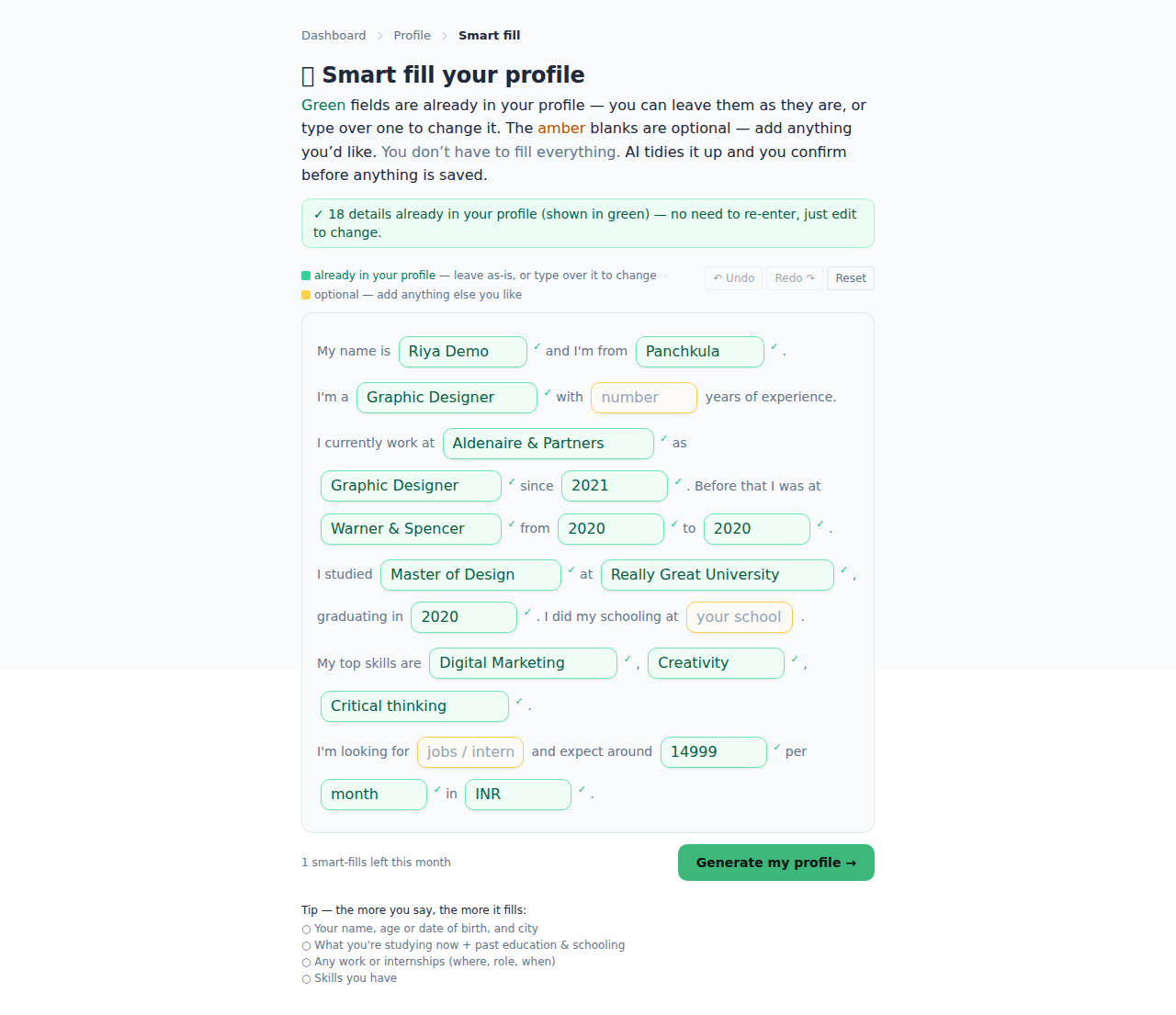
The AI Smart Profile Fill feature allows you to quickly draft your profile by simply typing a few lines. This feature enhances your profile by ensuring no important information is left out.
- Access the Smart Profile Fill option from the profile editing page.
- Type a few sentences about your experience, skills, and career objectives in the provided text box.
- Click on the "Generate" button to allow AI to draft your complete profile.
- 审查 the generated profile for accuracy and relevance.
- 确认 the information by clicking the "Save" button.
Tip: The more specific you are in your initial input, the better the AI-generated content will be.
Gotcha: Avoid overly generic phrases as they may result in a bland profile that doesn’t stand out.
Fill from your résumé
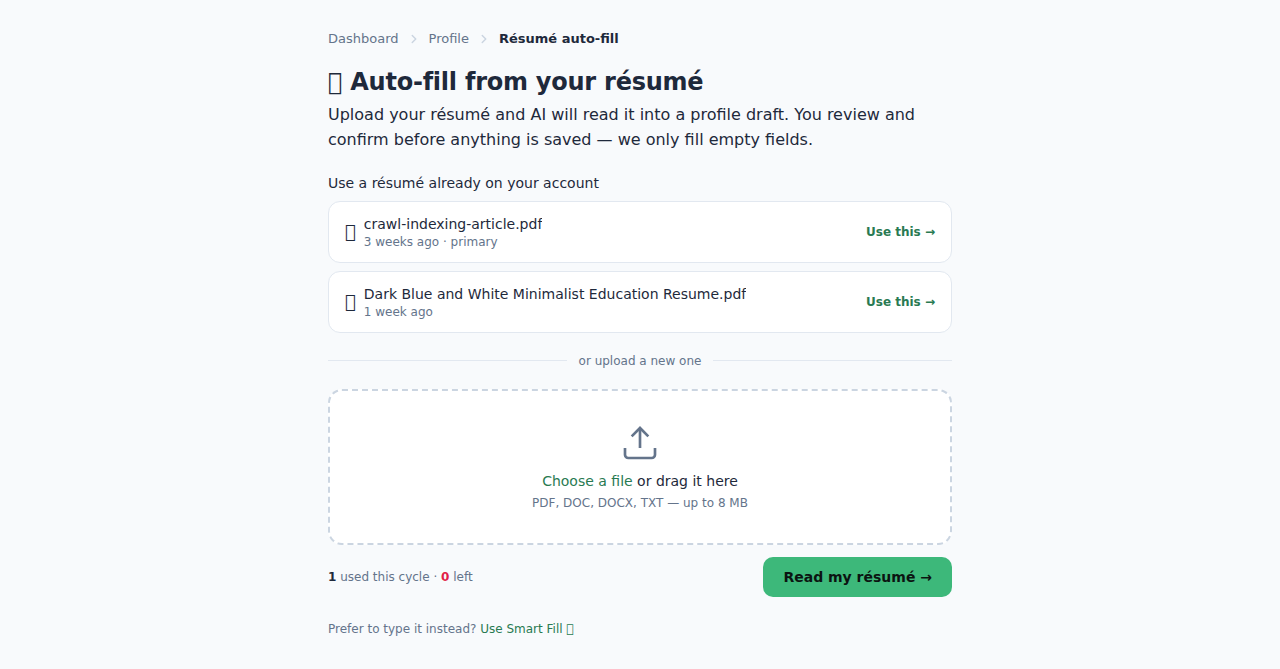
Importing your résumé can save you time by automatically filling out your profile based on your existing document.
- Go to the profile editing page on your Broxer account.
- Select the "Import from Résumé" option.
- Upload your résumé in a supported format (e.g., PDF, DOCX).
- 审查 the auto-filled information for accuracy and completeness.
- Edit any sections that need refinement or additional details.
- Save the changes to finalize your profile.
Tip: Ensure your résumé is updated and tailored for the jobs you are targeting for the best results.
Gotcha: If the formatting of your résumé is complex, some information might not import correctly, requiring manual adjustments.
Privacy, URL & boost
Understanding your profile visibility options, personalized URL, and profile boosting can enhance your employability and ensure recruiters can find you easily.
- Go to your profile settings to manage privacy options.
- Select between a public or private profile—public profiles can be viewed by all recruiters.
- Customize your profile URL with a unique @username, making it easier to share.
- Consider boosting your profile for greater visibility—this option is available under "Profile Boost" settings.
- 探索 the "Featured Profile" option to showcase your profile prominently.
Tip: A public profile is ideal if you’re actively job hunting, as it attracts more attention from recruiters.
Gotcha: If your privacy settings are too restrictive, you may miss out on valuable job opportunities.